The phone call conversion rate in Google Ads appears to be very high, but in reality, you receive no actual phone calls. What has happened? This situation, which is usually frustrating for Google Ads specialists, occurs in many campaigns. There are several key reasons for it, the most common being incorrect Conversion Counting and Count Calls settings. In this article from the HDM blog, we examine call discrepancies in Google Ads, along with their causes and solutions, to get everything back on track.َ
Common Causes of Call Discrepancies in Google Ads
At first glance, several factors can cause a discrepancy between Google Ads call reports and actual calls. In the table below, you can see the most important factors, their main causes, and the recommended solutions at a glance:
- Main Factor Causing Call Discrepancy
- Reason for Call Reporting Discrepancy in Google Ads
- Solution to Fix Google Ads Call Reporting Issues
- Incorrect Conversion Counting setup
Incorrect counting of repeated or short calls
Adjust the Count type and minimum call duration - Difference between Click-to-Call and real calls
Clicks recorded without an actual call being made
Analyze click data and call logs simultaneously - Short or spam calls
Mistaken or bot-generated calls
Filter calls based on call duration and quality - Calls enabled on desktop
Clicks without the ability to make a real call
Restrict Call Extensions to mobile devices - Incorrect campaign type selection
Campaign goals are not aligned with call objectives
Choose the appropriate Call or Search campaign type - VoIP or phone line issues
Dropped calls or unrecorded real calls
Review technical infrastructure and call logs - Poor UX of the call button
Accidental or confusing clicks
Optimize CTA design and placement
In the following sections, we analyze each of these factors in detail so you can understand exactly where the discrepancy between Google Ads calls and real calls originates.
Incorrect Conversion Counting and Count Calls Settings
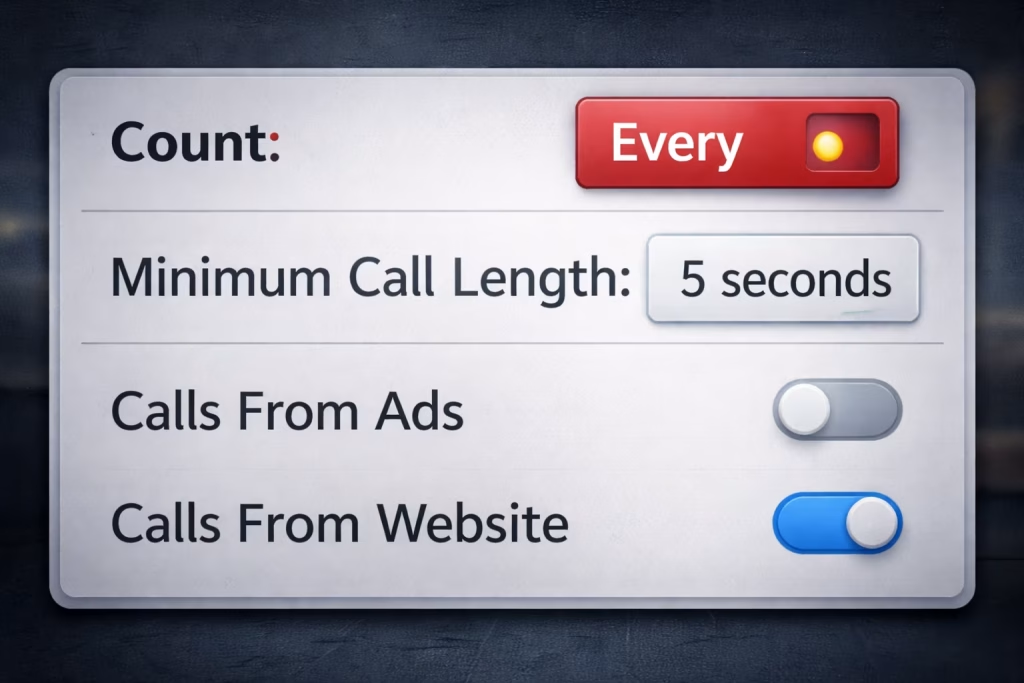
One of the most important reasons for call discrepancies in Google Ads is the incorrect configuration of the Conversion Action related to phone calls. Many advertisers, without paying attention to the call counting method, simply trust the number displayed in the Google Ads panel, while this number does not necessarily represent real, high-quality calls. Google Ads can count calls as repeated or unique; therefore, even very short calls can be recorded as conversions unless properly restricted.
Key items that should be reviewed when investigating call reporting discrepancies in Google Ads include:
- Counting repeat callers as new conversions
- Minimum call duration required to register a conversion
- Call counting type (Count): One or Every
- The difference between calls from call extensions and calls from the website
Difference Between Click-to-Call and Real Calls
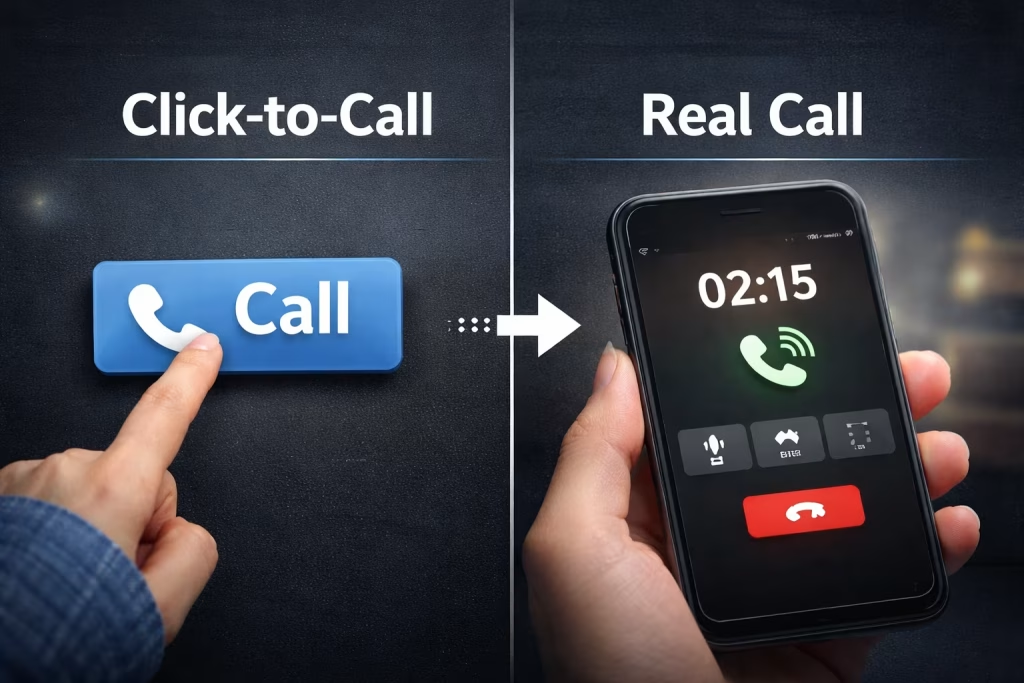
Clicking on a call button does not necessarily mean that a call has been successfully connected. In many cases, although a user clicks on the Call Extension, they cancel the call afterward, or the call is never connected. In some scenarios, Google Ads records the click even though no real call reaches your phone line. This issue creates discrepancies in call-focused campaigns.
To better understand the difference between these two concepts, review the table below:
| Comparison Criteria | Click on Call Extension (Click-to-Call) Only | Actual User Calls to Your Phone Number |
| Basis of Call Recording | User clicks on the call button | Real connection established with the phone line |
| Call Guarantee | No | Yes |
| Possibility of User Cancellation | Yes | No |
| Quality Indicator | Low | Acceptable |
| Analytical Use Case | Measuring users’ initial interest or intent to contact you to solve an issue | Measuring real leads and assessing genuine user intent to convert into customers |
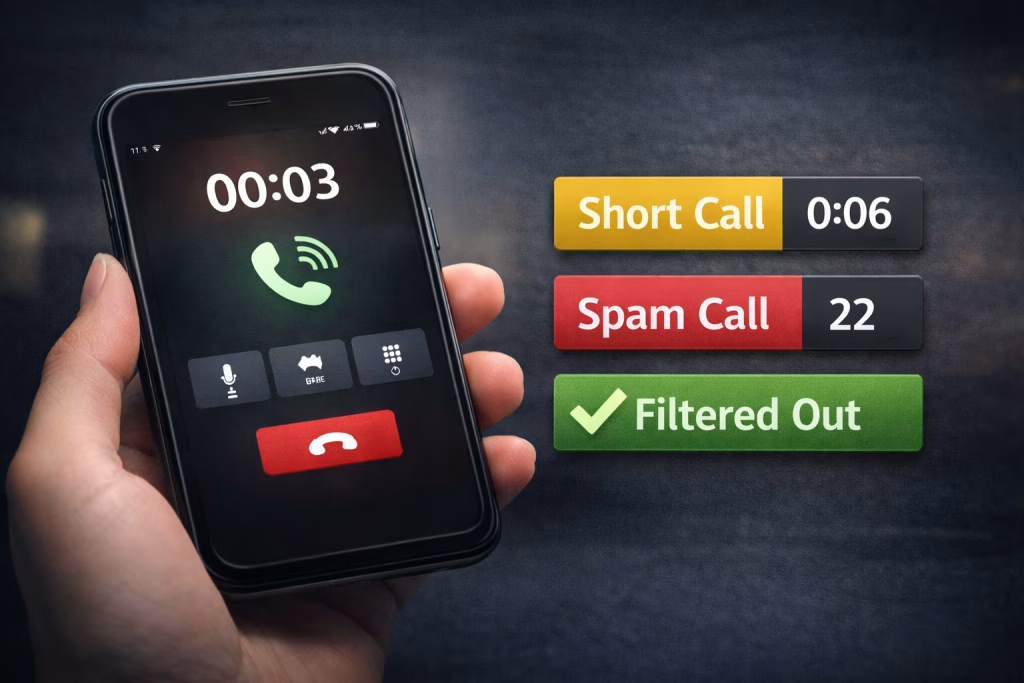
Short, Mistaken, or Spam Calls
Remember that not every recorded call has business value. Very short calls, mistaken calls, or even spam calls artificially increase Google Ads call statistics while creating no real value for your business. If these calls are not filtered out, analysis of phone call conversion rates becomes completely misleading.
Common examples of these calls include:
- Calls lasting only a few seconds
- Mistaken user calls
- Robotic or advertising spam calls
- Calls dropped before being answered
Call Clicks Enabled on Desktop
Enabling Call Extensions for desktop users is a common source of call reporting errors in Google Ads, especially in call-focused campaigns. On desktop devices, users may click the call button without being able to place a real call or without completing the call. As a result, a click is recorded, but no real call occurs, causing statistical discrepancies.
Incorrect Campaign Type Selection for Call Goals and Call Conversions
If the primary goal of a campaign is to receive phone calls, the campaign type or bidding strategy must be aligned with Call Conversions. Otherwise, call data inconsistencies will arise. For example, campaigns optimized for traffic or clicks do not necessarily generate high-quality calls and may only increase the number of call clicks.
Issues in Call Handling Systems, VoIP, or Phone Lines
In some cases, a call is actually placed, but due to infrastructure issues, it is not recorded in the system. In certain situations, users may encounter busy lines or call disconnections. This causes Google Ads to report calls while the sales team receives none.
Common issues in this area include:
- VoIP outages or instability
- Delays in answering calls
- Busy phone lines during peak hours
- Calls are not being logged in the CRM or phone system
Poor User Experience (UX) of the Call Button
Improper design of the phone call button can lead to accidental clicks or user confusion. If the call button is too large, lacks explanation, or is placed incorrectly, users may click it unintentionally. These clicks are recorded in Google Ads, but no real call occurs.
Important UX considerations for call buttons include:
- Proper spacing between the call button and other CTAs
- A/B testing user behavior in mobile environments
- Logical and predictable button placement
- Clear text and call intent
How Much Call Discrepancy Is Normal, and When Does It Become a Problem?
Naturally, a 5% to 15% discrepancy between Google Ads recorded calls and real calls is acceptable. This level of difference is usually related to user behavior or call cancellations. However, if the discrepancy exceeds 20% to 30%, it is no longer considered normal. Such a gap indicates problems with Conversion settings, campaign type, call infrastructure, or user experience and must be reviewed and fixed immediately.
Solutions to Reduce the Gap Between Google Ads Calls and Real Calls
To align Google Ads data more closely with real calls, both technical settings and user experience should be improved simultaneously. The following actions are among the most effective solutions for resolving call discrepancies in Google Ads:
- Set Conversion Count to “One” and define a reasonable minimum call duration
- Disable Call Extensions for desktop and limit them to mobile devices
- Filter short, spam, and mistaken calls in Conversion settings
- Choose campaigns and bidding strategies aligned with Call Conversions
- Separately analyze Click-to-Call data and answered calls
- Match Google Ads call reports with real phone logs or CRM data
- Review and optimize phone infrastructure, VoIP systems, and call handling
- Optimize the call button to prevent accidental clicks

What Are Common Mistakes When Tracking Calls from Digital Ads?
Here is a clean, ready-to-publish English section answering the question “What are common mistakes when tracking calls from digital ads?”, written to fit naturally into your existing article and aligned with the content you provided:
- Incorrect Conversion Counting Configuration
- Treating Click-to-Call as a Real Phone Call
- Enabling Call Extensions on Desktop Devices
- Not Filtering Short, Mistaken, or Spam Calls
- Choosing the Wrong Campaign Type or Bidding Strategy
- Ignoring VoIP, Phone Line, or Call Handling Issues
- Poor User Experience (UX) of the Call Button
- Failing to Match Ad Platform Data with Real Call Logs
- Expecting Zero Discrepancy Between Reported and Real Calls
Get Real Calls from Google Ads Campaigns and Succeed
Success in call-focused Google Ads campaigns is not just about increasing the number of calls shown in the advertising panel. You must also focus on receiving real, answered, and high-quality calls. By correctly configuring Conversions, selecting the right campaign type, and resolving technical and UX issues, you can control the discrepancy between Google Ads calls and real calls. When call discrepancies in Google Ads are resolved, advertising budgets are converted into real leads.
If you want your Google Ads campaigns to be executed accurately, optimally, and profitably, benefit from the experience and expertise of the HDM team. To get in touch and receive a consultation, call +971 56 260 1368 or complete the consultation request form.
(FAQ)
Why does Google Ads report many calls, but the phone never rings?
The main reason for call discrepancies in Google Ads is that Google Ads records call clicks even if the call is canceled or never connected. This issue is usually related to Count settings or Call Extensions.
What is the minimum call duration for a call to be recorded in Google Ads reports?
This duration is configurable and can range from a few seconds to several minutes. If it is not properly set, very short calls will also be recorded, causing discrepancies in reports.
Does every Click-to-Call count as a real call?
No. Click-to-Call is different from a real call. A click only indicates user action and does not necessarily mean a call was successfully connected.
How can I remove very short or mistaken calls from call statistics?
By setting a minimum call duration in Conversion settings and filtering short calls. This makes reports more realistic.
If one person calls multiple times, how many times does Google Ads count it?
This depends on the Count setting. In “One” mode, it is counted once; in “Every” mode, each call is counted separately.